
One, two, three… testing

The latest course in school was Audio and Music. I’ve always had a fascination with audio in games, always tried to pay attention to how subtle or bombastic or detailed sound effects were and how (or if) they add to the overall experience. I think about it even more after discovering the Extraction genre a few years ago and how heavily integrated audio design is to the core gameplay.
But I’ve never envisioned or thought of myself as an audio engineer. Doing this full-time has never been an aspiration of mine. I think this course cemented that feeling, but it also gave me perspective and opened me up to the understanding that there are ways I can take my learnings and apply them to my own work, such as adding music, ambiance and SFX to an animation reel.
While we were given the option to work with any software we wanted. I used Reaper. The main reasons being: 1) It’s free as long as I keep “evaluating” it. 2) Most, if not the entire course was based on Reaper. 3) I had no point of reference, only knowing software by name but never working with any of them. Everything about this course was new to me, and that included the tools.
We were also given the freedom to choose what we wanted to work on, be that music, sound effects, foley, ambiance, voice-over or implementation. I decided to go for SFX. In particular, I wanted to try and learn how to take existing sounds, combine and manipulate them to a point of creating new sounds. Mostly because my recording equipment only extends as far as the microphone on my iPhone. I’m sure I could make it work somehow, but I’m a beginner in this space and thought it’d be wise to not get overly ambitious.
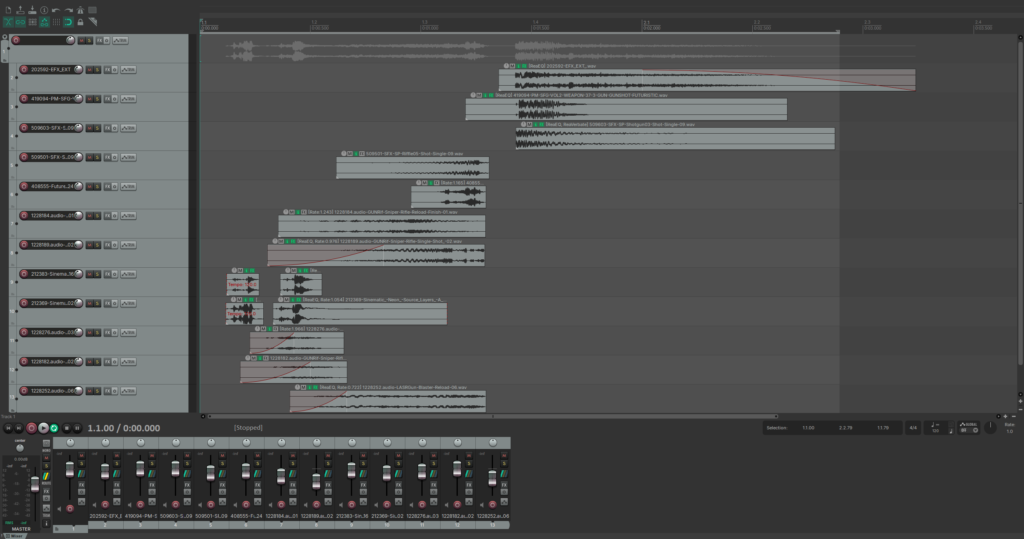
The image above mostly represents my workflow throughout the course. This “Charged Shot” effect, as well as everything else, always started by adding numerous sounds, everything between 2 and 30+ (sometimes more) free assets downloaded from various sources (mainly Soundsnap and Pixabay).
Second step was to figure out the end result I was after and then filter through all the assets, see which ones fit my idea of how I wanted the final effect to sound.
Once I had a few assets I liked, the third step was to just start playing around with them. Combine them, stretch them, compress them, cut them up, spread them apart, fuse them together. Change the pitches, the tones, the EQs, the frequencies. Make them wet, make them dry. Raise and lower the volumes, pan the sound. You get the idea… manipulate and distort them into becoming something new and different.
Below are another two examples.
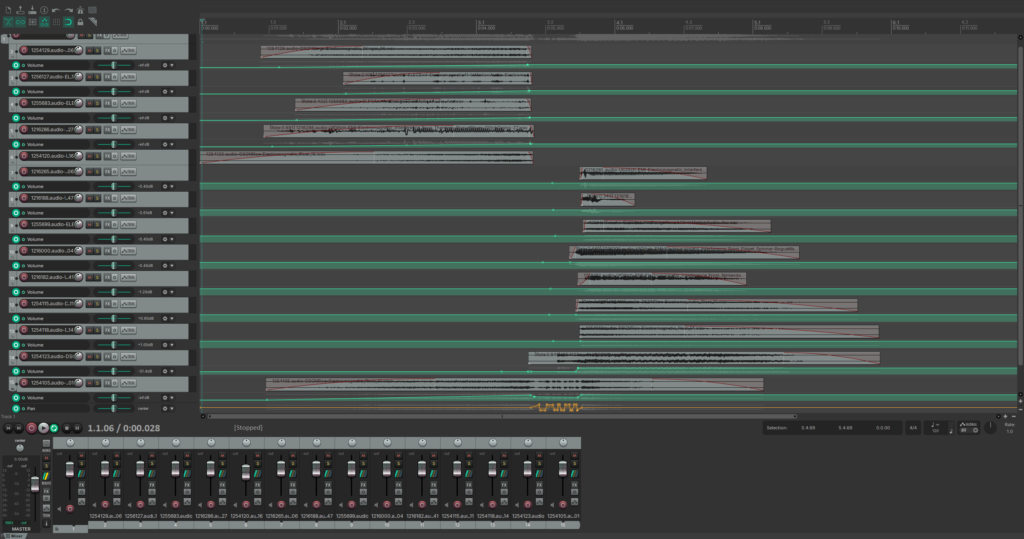
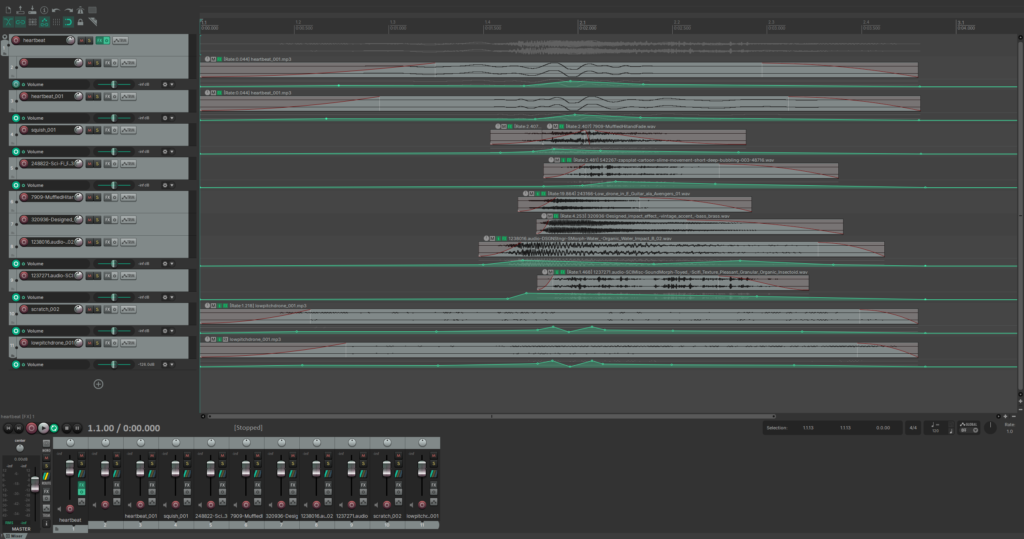
Eventually, I wanted to create a “scene” so to speak, imagine a place, add some subtle, eerie background ambiance and then layer as many SFX on top as time would allow before handing in the assignment. No real coherence to the SFX other than I wanted them to blend in with the overall vibe of the scene.
For context: If you zoom in on the image below and check the names to the left, every track that starts with “PR”, every one of those SFX were created and manipulated into becoming something new using the workflow I detailed above. The bottom tracks, which are the ambient sounds, have only slightly been altered to fit the idea I had, but not to the point of transforming into something wildly different compared their original versions.
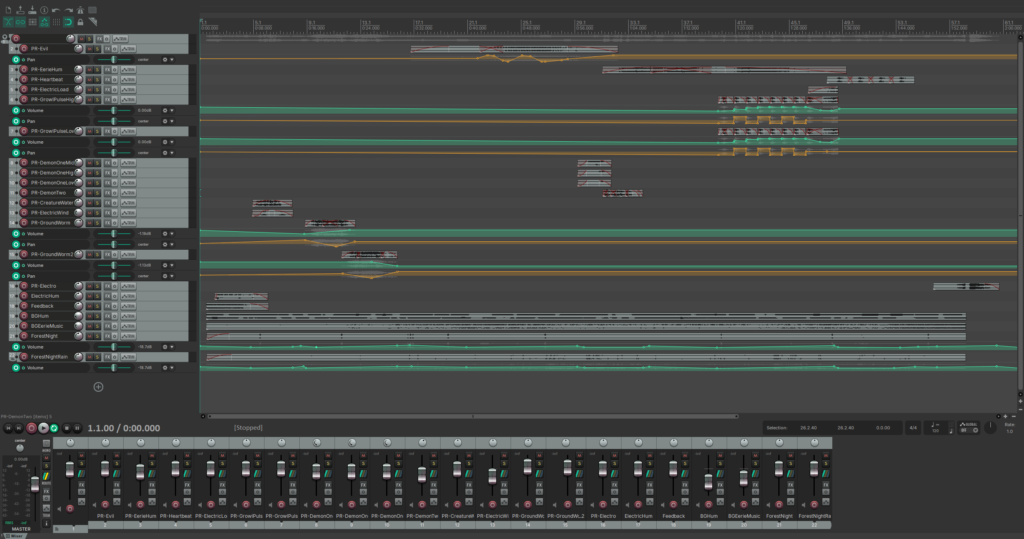
This was not about creating the perfect soundscape. This was about repetition and iteration in order to learn the software and get more comfortable not only using it, but to the idea and workflow of creating sounds that could potentially be implemented into a game, into a cutscene or a visual effect, etc.
What you see and hear above is the final edit for the assignment.